Writing Karma Tests
To make sure our rendering and tools don't break upon future modifications, we have written tests for them. Rendering tests includes comparing the rendered images with the expected images. Tools tests includes comparing the output of the tools with the expected output.
Running Karma Tests Locally
You can run yarn run test to run all tests locally.
By default, karma.conf.js will run the tests in a headless chrome browser to make
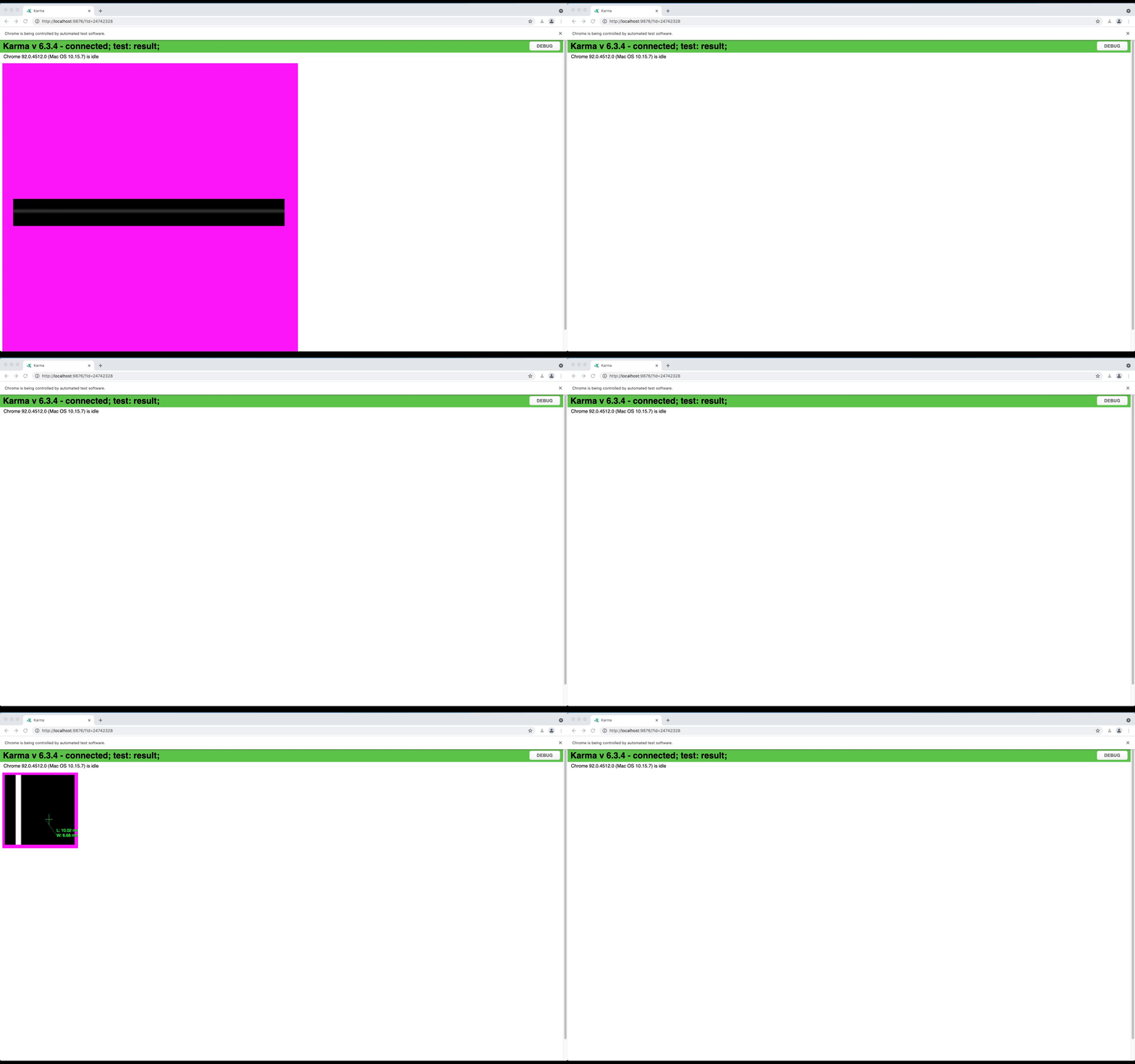
sure our tests can run in any servers. Therefore, you cannot visualize it by default. In order
to run the tests and visually inspect the results, you can run the tests by changing the
karma.conf.js file to have browsers: ['Chrome'] instead of browsers: ['ChromeHeadless'].
Generating HTML Review Reports
For local review, use the repository wrapper instead of reading terminal output only:
./scripts/run-karma.sh
./scripts/run-karma.sh --compat
./scripts/run-karma.sh --cpu
./scripts/run-karma.sh --next
The wrapper runs npx karma start --single-run, captures the log, and generates timestamped output under reports/.
Examples:
reports/legacy-karma/<timestamp>/legacy-karma.log
reports/legacy-karma-<timestamp>/index.html
reports/compat-karma/<timestamp>/compat-karma.log
reports/compat-cpu-karma/<timestamp>/compat-cpu-karma.log
Supported wrapper flags:
--compat: force compatibility mode for the Karma run.--cpu: force CPU rendering for the Karma run.--next: convenience mode that runs two passes,--compatand then--compat --cpu.
Any other arguments are passed directly to karma start, so you can keep using normal Karma CLI options:
./scripts/run-karma.sh --browsers Chrome --no-single-run
./scripts/run-karma.sh --reporters spec
Useful environment variables:
KARMA_GREP="<pattern>": filter tests via Karma client args.KARMA_PACKAGE=core|tools: load only the selected package's Karma tests.FORCE_COMPAT=trueandFORCE_CPU_RENDERING=true: direct overrides when runningkarma startwithout the wrapper.
Examples:
./scripts/run-karma.sh
./scripts/run-karma.sh --compat
./scripts/run-karma.sh --compat --browsers Chrome --no-single-run
KARMA_GREP="flip a stack viewport vertically" ./scripts/run-karma.sh --browsers Chrome --no-single-run
KARMA_PACKAGE=core ./scripts/run-karma.sh
Baseline Images
Karma uses two baseline locations depending on the mode:
- Legacy mode compares against committed PNGs in
packages/core/test/groundTruth/andpackages/tools/test/groundTruth/. - Compatibility-mode runs use generated PNGs in
karma-baselines/<mode>/.
To refresh the committed legacy ground-truth images, run:
node utils/updateGroundTruth.js
Compatibility-mode baseline behavior is different:
- Missing baselines are created automatically after
./scripts/run-karma.shfinishes. - After a new compatibility baseline is created, rerun the same command to compare against it.
- If you intentionally want to replace an existing compatibility baseline, remove or overwrite the PNG in
karma-baselines/and rerun the wrapper.
Reviewing Image Comparisons
When Karma tests use compareImages(), the HTML report includes persisted image artifacts for review.
This now applies to passing and failing image comparisons, not only failures.
For each comparison artifact, the report shows:
ExpectedActualCompareDiff Mask
The Compare panel overlays expected and actual with a slider, and each tile includes direct open links
so you can inspect the raw generated images in a separate tab.
The HTML report also supports filtering by status, and failed tests are rendered first in the report.
Running Only One Karma Test Locally
Use KARMA_GREP when you want to keep the wrapper but filter the suite:
KARMA_GREP="flip a stack viewport vertically" ./scripts/run-karma.sh
KARMA_GREP="flip a stack viewport vertically" ./scripts/run-karma.sh --browsers Chrome --no-single-run
For ad hoc debugging, you can also still use Jasmine helpers such as fdescribe and fit.